AI lives inside the repair order.
Draft DVI findings, customer updates, diagnostic reports, marketing campaigns, and status chat replies from the work already happening in the shop.

QuickMec connects repair orders, DVI, approvals, service cards, invoice closeout, mobile technicians, appointments, reminders, messaging, AI features, AI OBD diagnostics, marketing, and reporting in one system.
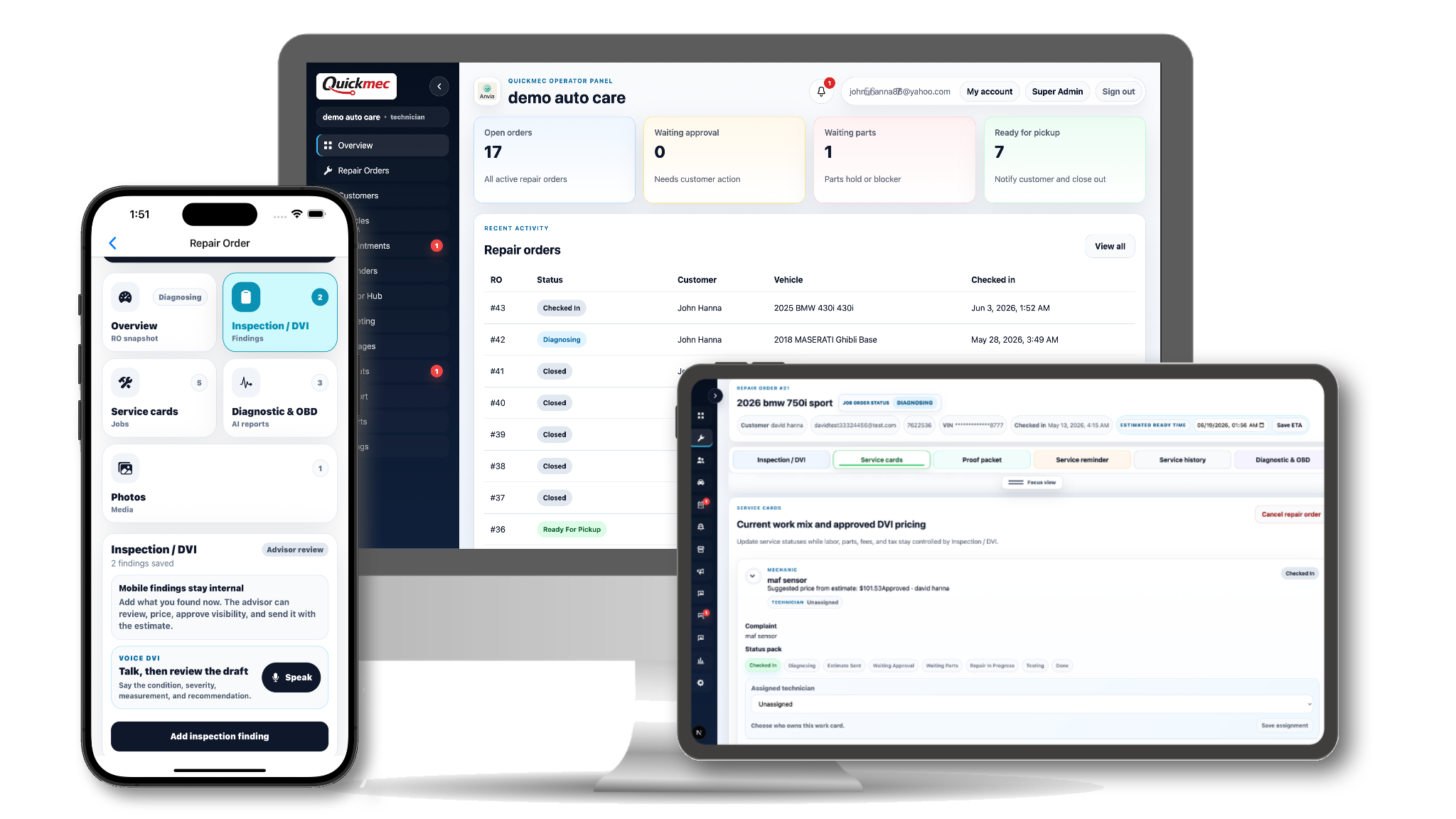
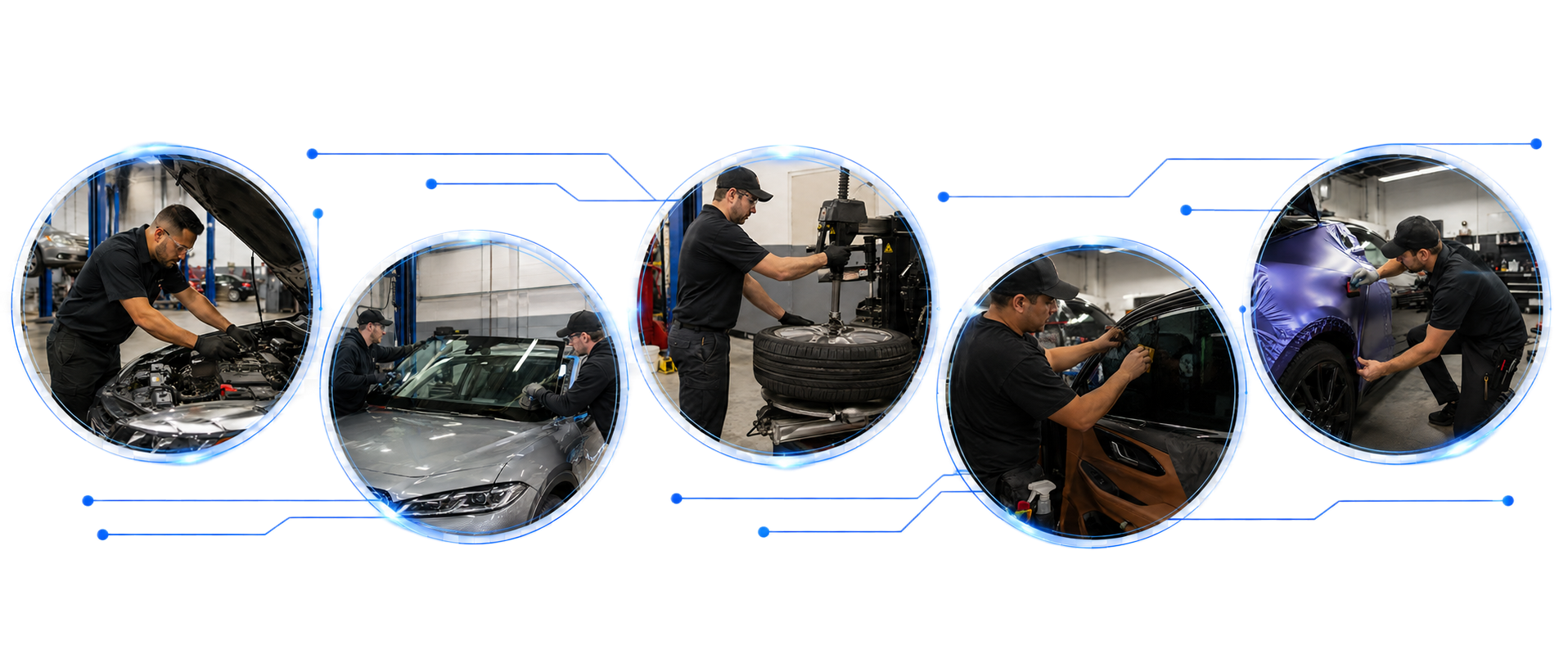
QuickMec is not a classic shop manager with a few modern words sprinkled on top. It connects the repair order, mobile technician work, AI features, AI OBD, approvals, reminders, reporting, and shop settings in one system.
Draft DVI findings, customer updates, diagnostic reports, marketing campaigns, and status chat replies from the work already happening in the shop.
Check in vehicles, scan VINs, see assigned jobs, add photos, speak DVI notes, run AI OBD, and update status without chasing the front desk.
Scan multiple codes, add manual trouble codes, describe the issue, and let AI combine the full context into one technician-ready result.
Public customer links, consent, estimate decisions, outside payment records, refunds, signed invoices, and proof packets stay with the repair order.
Control services, DVI modules, invoice behavior, reminders, vehicle statuses, booking, workflow defaults, tax settings, and branding.
QuickMec subscription billing stays separate while each shop can email a payment page created in its own Stripe, Square, or PayPal account.
Create the RO with customer, vehicle, mileage, symptoms, and status.
Capture DVI notes, photos, pricing, revisions, and customer-facing items.
Send links for approvals, signatures, consent, and proof packets.
Combine OBD scans, manual codes, symptoms, and report languages into one AI result.
Collect by secure shop-owned payment link or record outside payments, then finish receipts, refunds, reminders, and follow-up.
QuickMec keeps the classic shop workflow, then adds mobile technician execution, AI features, AI OBD diagnostics, proof records, reporting, and full shop configuration.
Classic shop software manages the visit.
Technicians depend on the front desk for updates.
Diagnostics live in separate scanner notes.
Settings are rigid or hidden.
QuickMec manages the visit and adds AI where the work already happens.
Technicians work from mobile queues with DVI notes, photos, VIN scan, statuses, and AI OBD.
AI OBD combines multiple codes, symptoms, mileage, vehicle history, and language choice into one repair-order report.
Services, DVI modules, invoices, reminders, statuses, booking, tax settings, and branding are configurable.
QuickMec adapts to mechanic, tire, auto glass, smog, oil and lube, body, tint, wrap, fleet, and general service teams with configurable services, DVI modules, statuses, reminders, booking, tax settings, and branding.
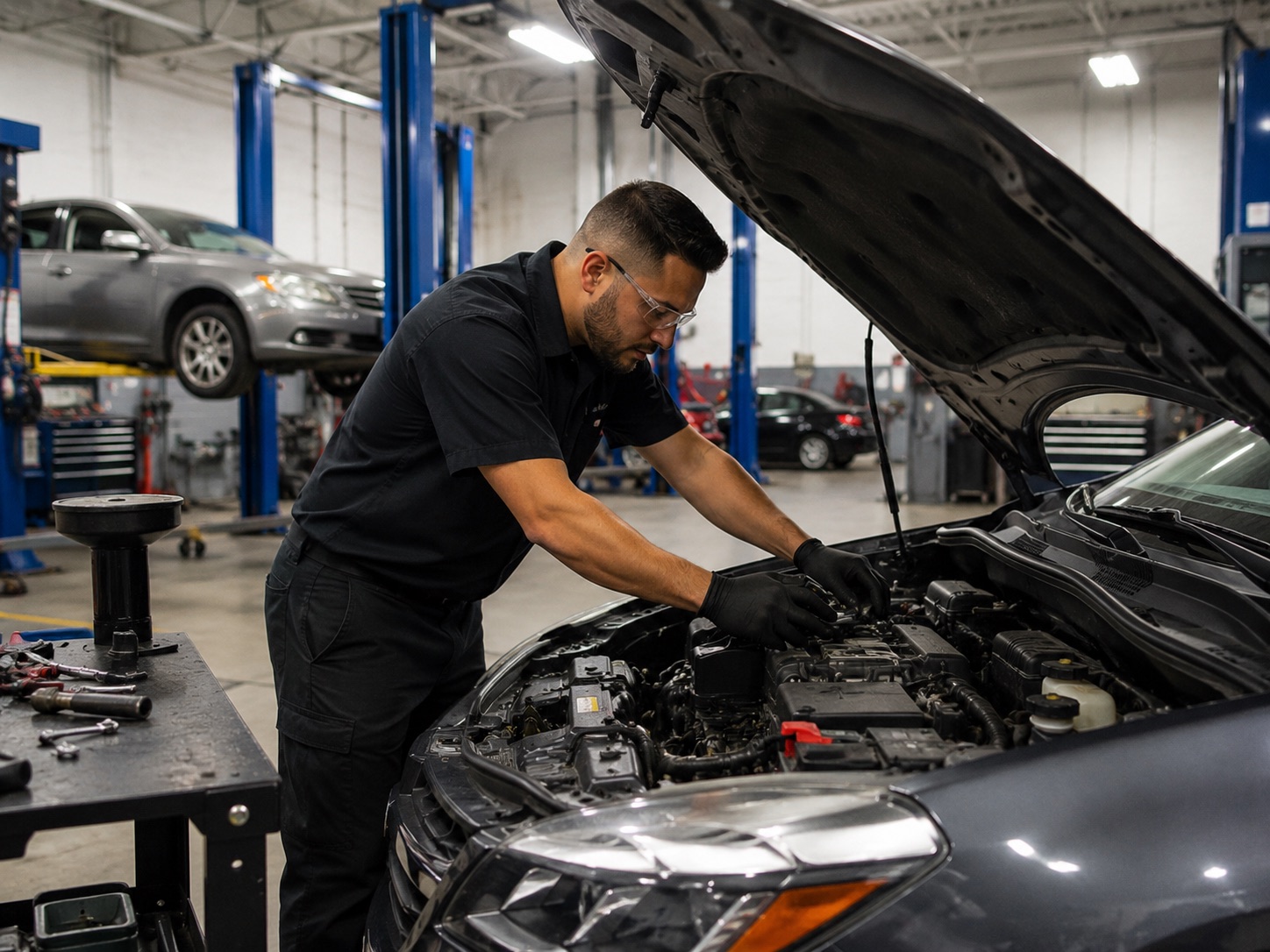
Repair orders, DVI, diagnostics, service cards, and invoice closeout.
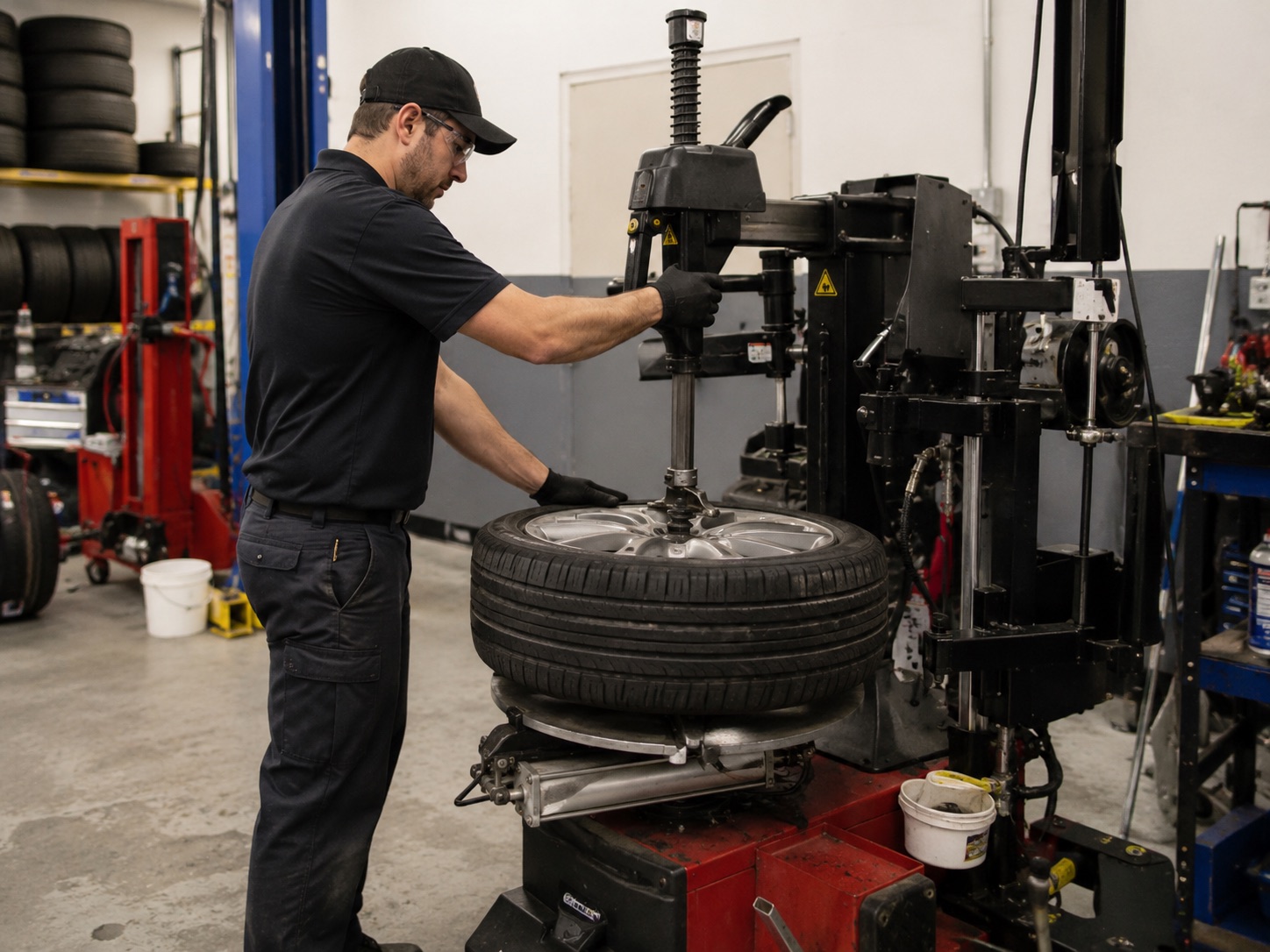
Tire jobs, approvals, service cards, statuses, and pickup-ready work.
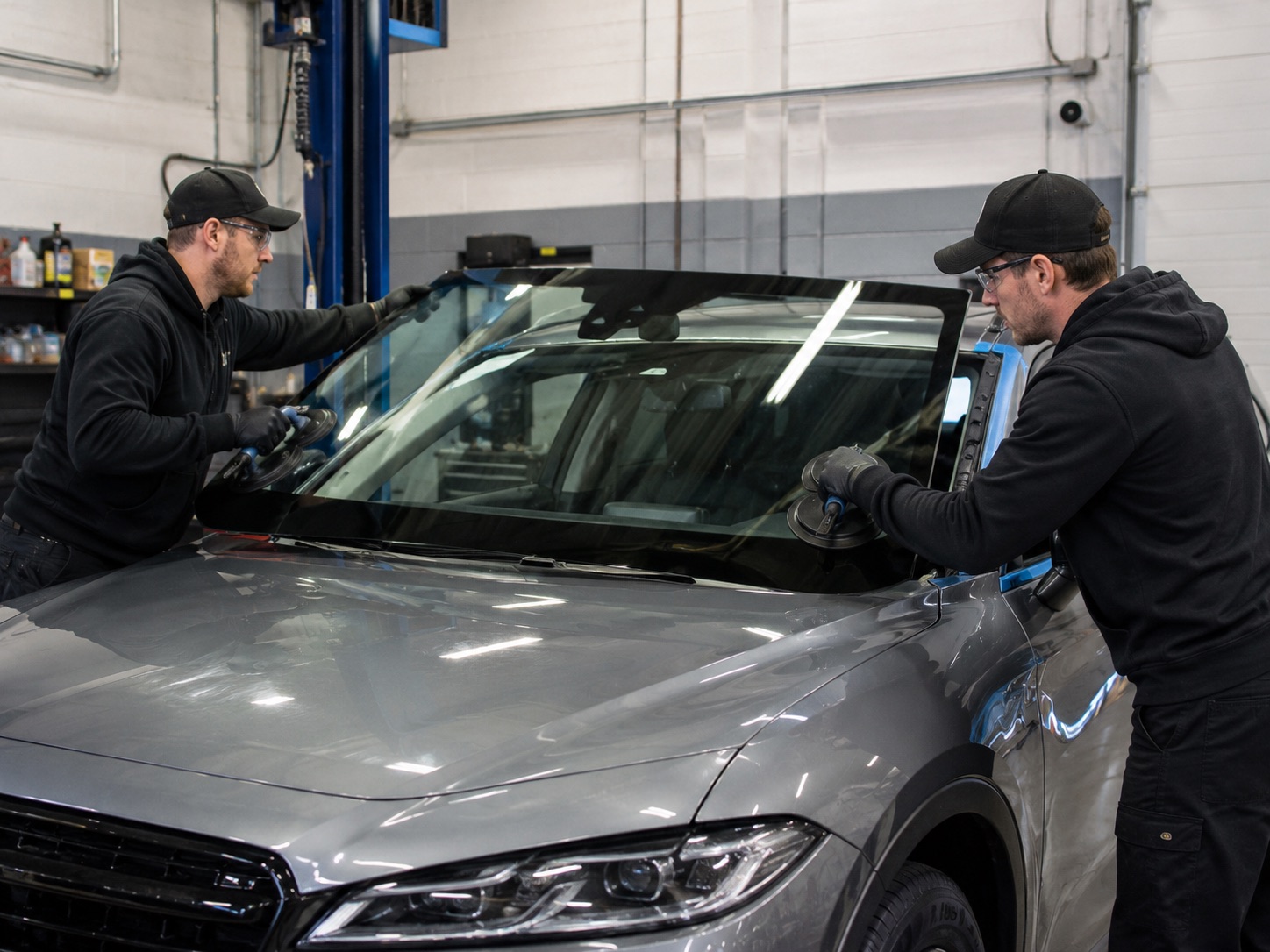
Glass jobs, proof, claims, signatures, photos, and customer updates.
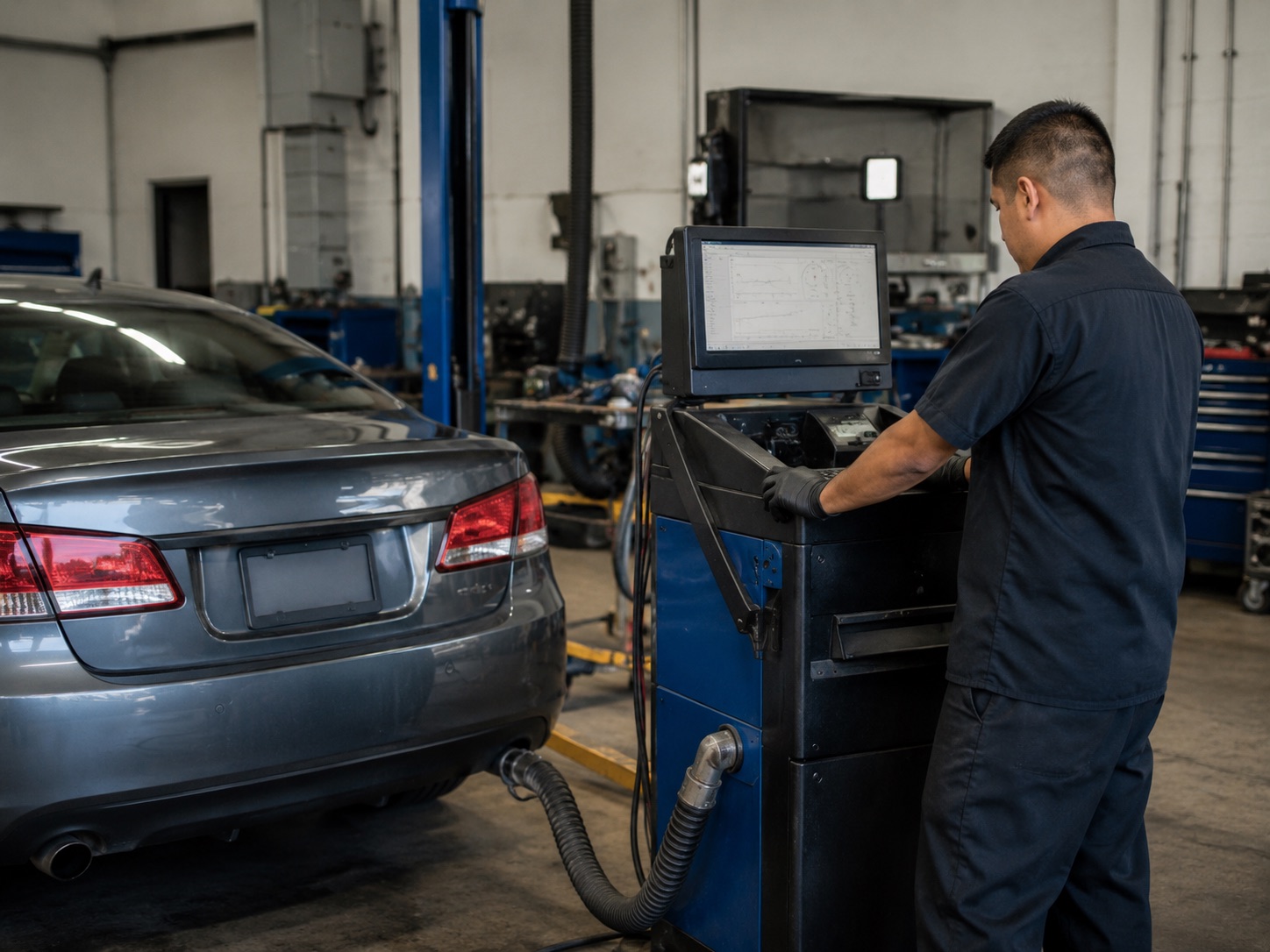
Smog visits, check-in, OBD notes, test records, reminders, and reporting.
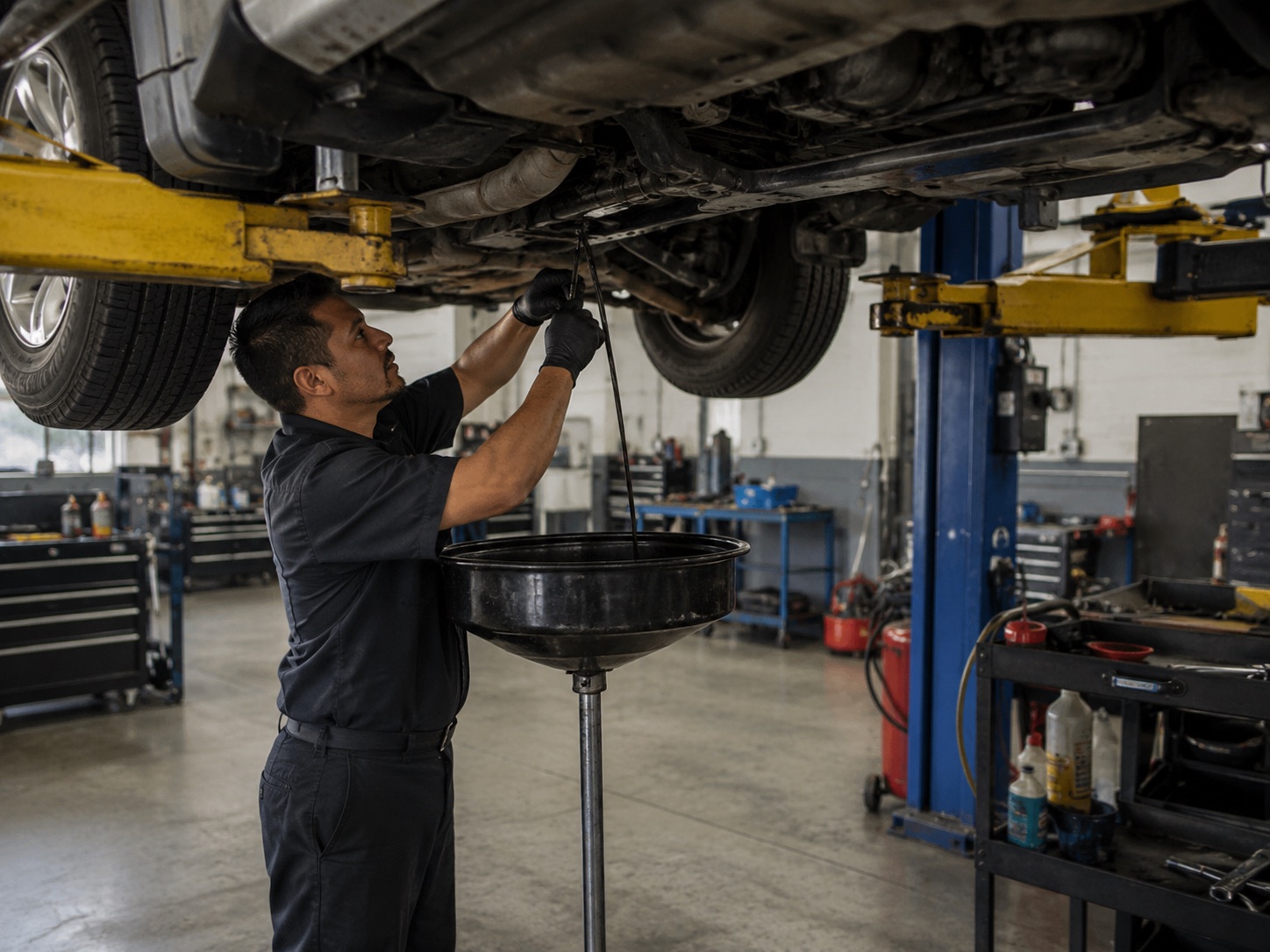
Fast bay check-ins, mileage, recommendations, reminders, and quick closeout.
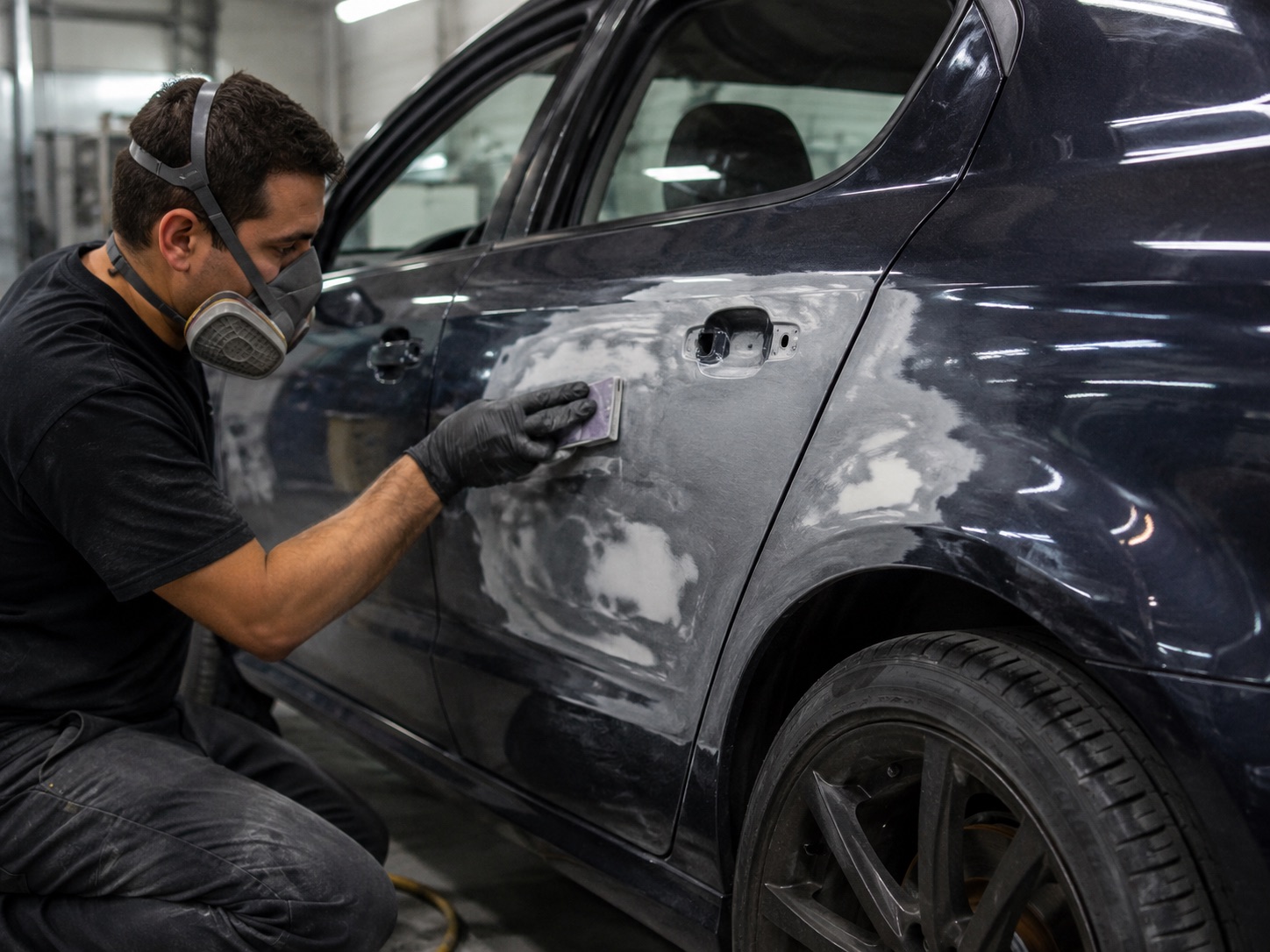
Damage notes, photos, approvals, proof packets, and staged repair work.
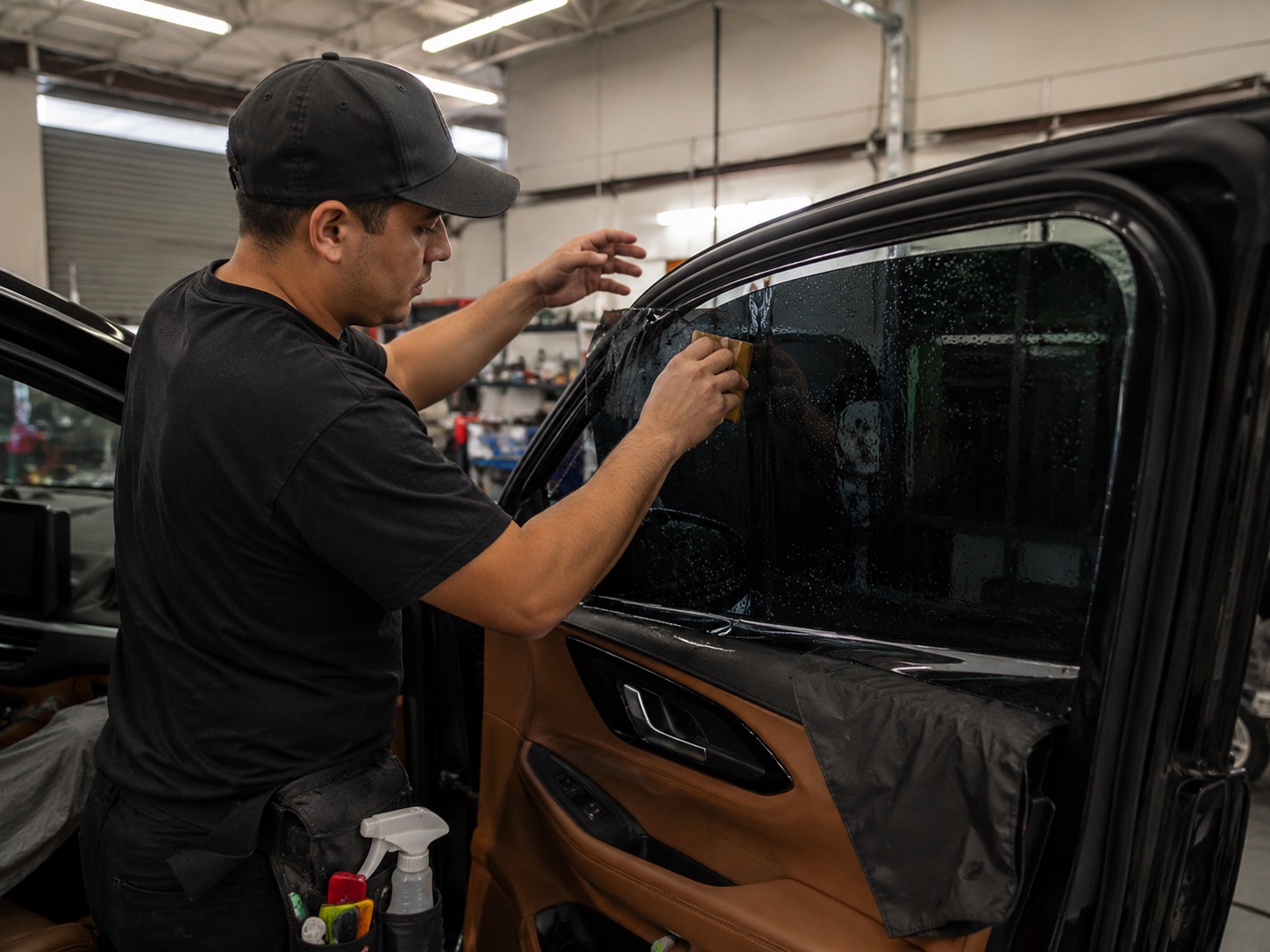
Tint jobs, appointments, customer approvals, photo proof, and reminders.
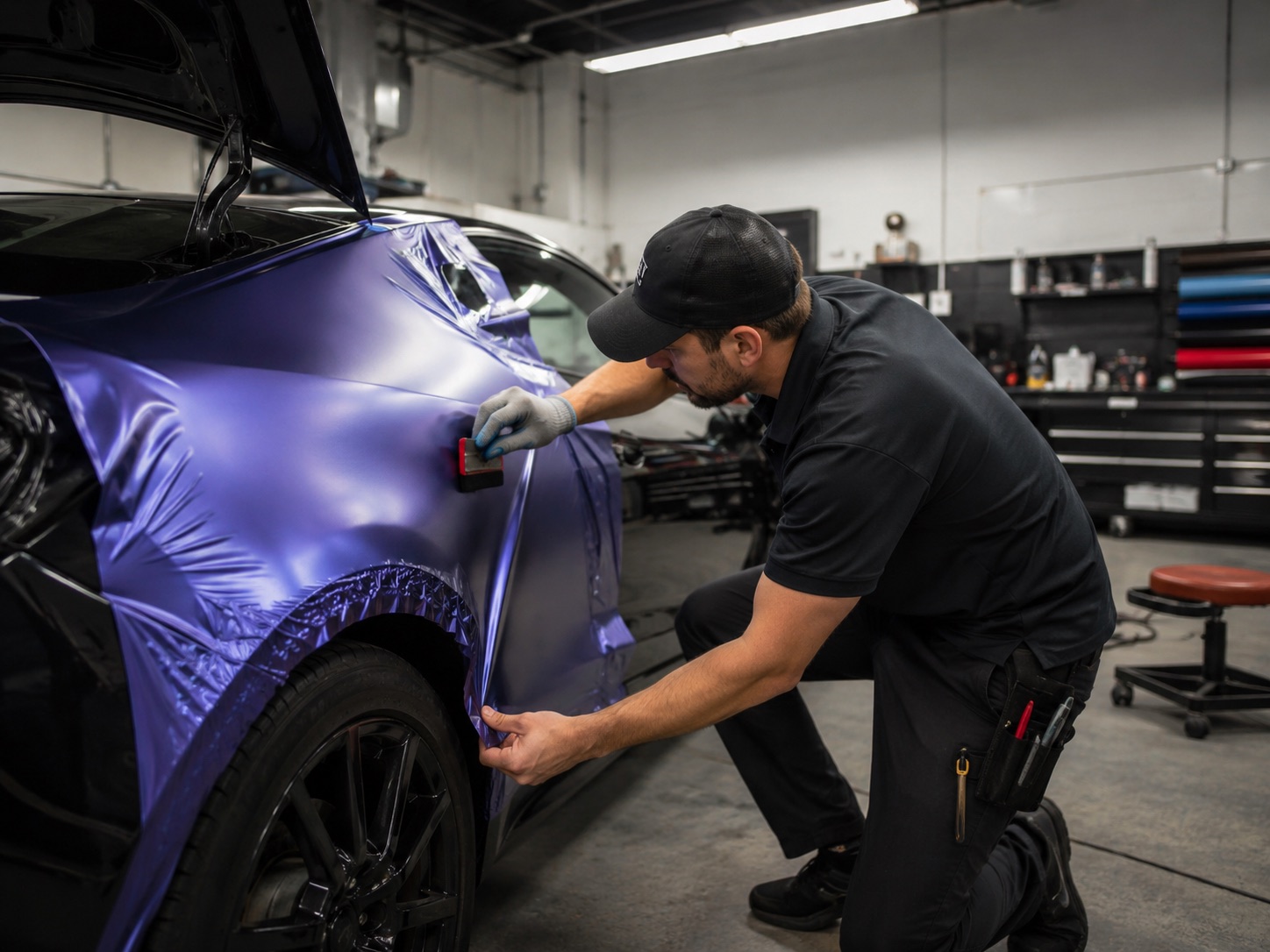
Wrap projects, staged work, photos, approvals, and handoff proof.
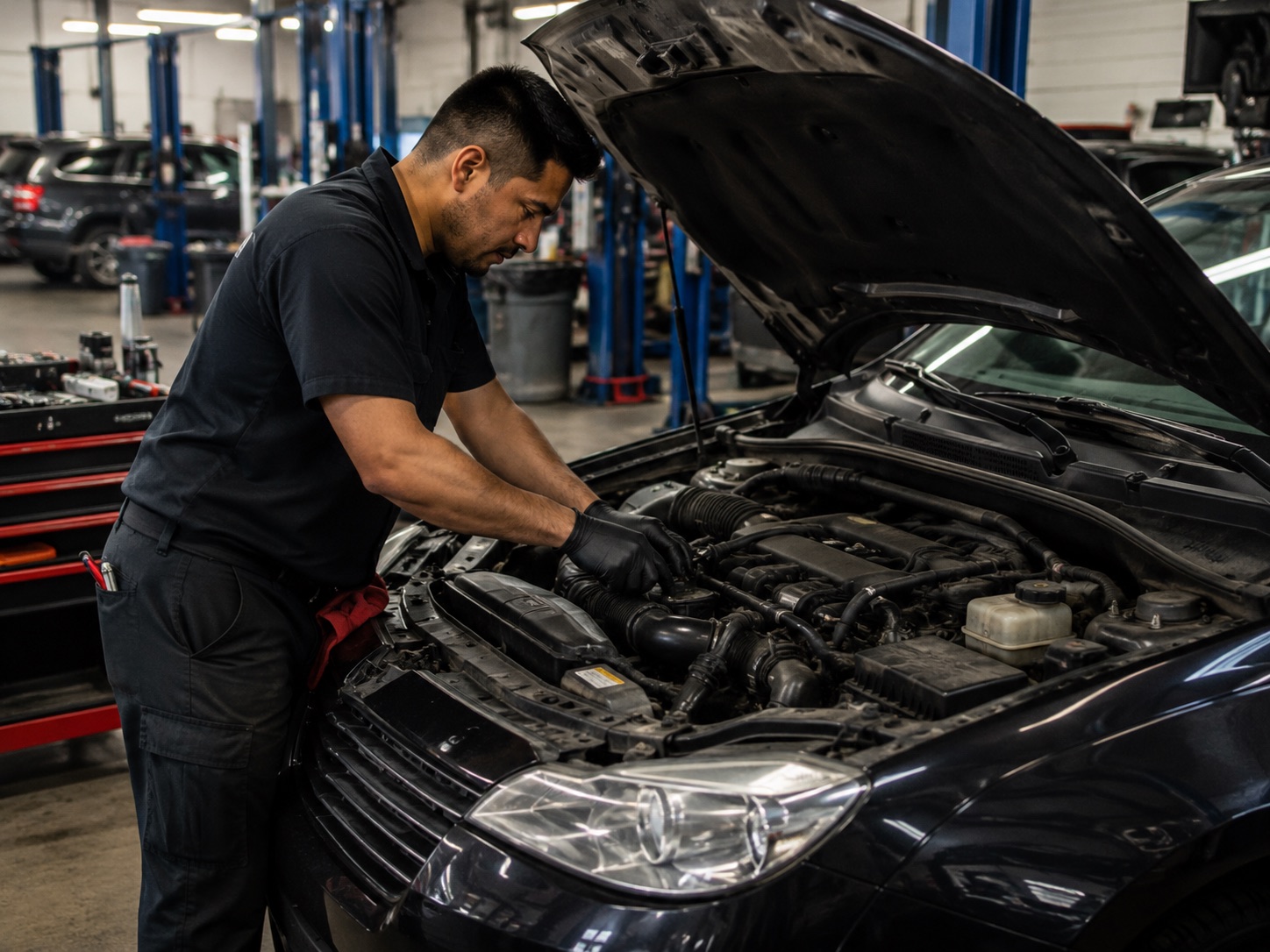
Everyday repair orders, technician assignments, diagnostics, and reports.
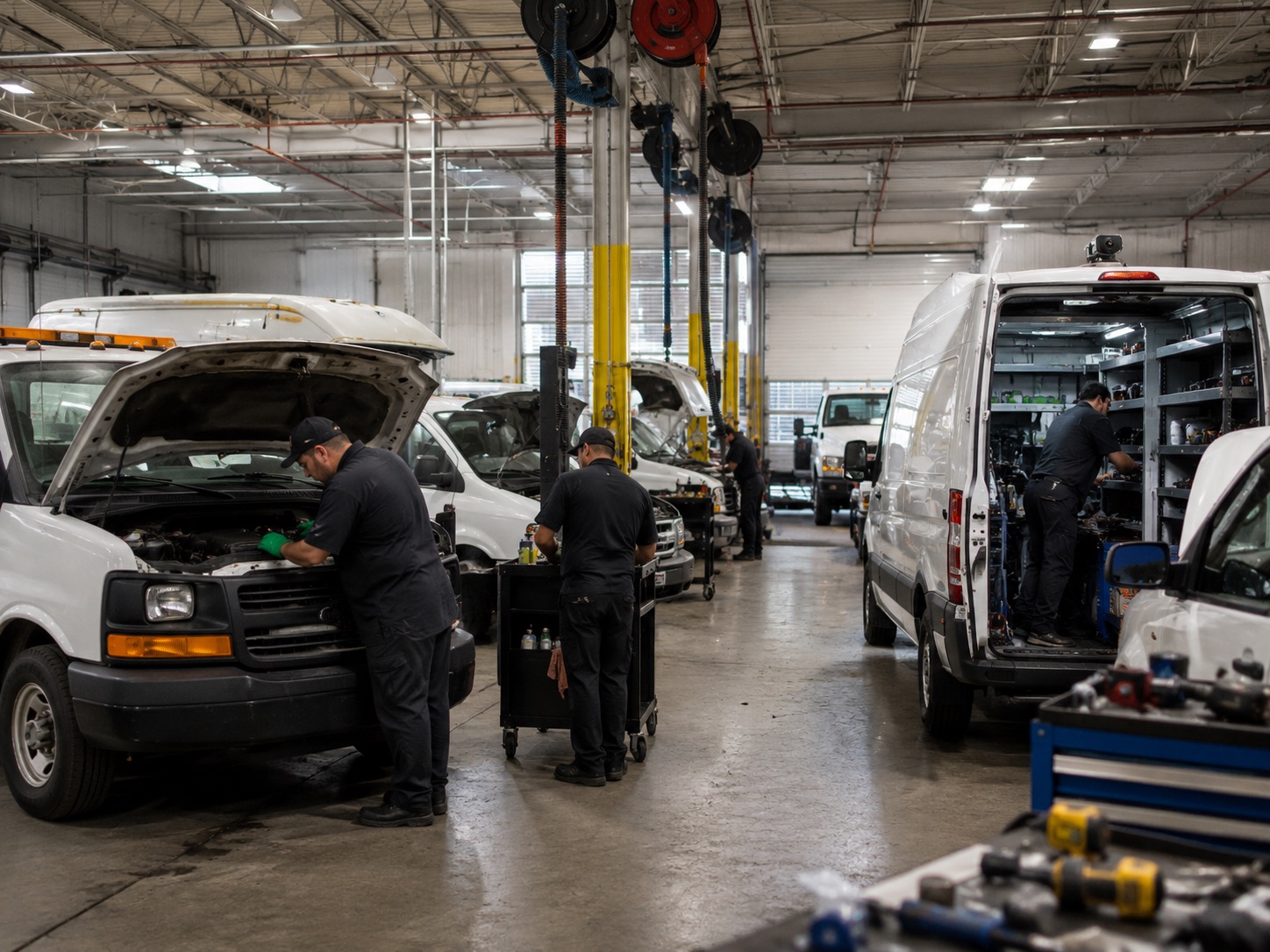
Multiple vehicles, shop-floor queues, service history, reminders, and owner reports.
Repair orders, DVI, appointments, marketing AI, diagnostics, reporting, and mobile technician workflows shown with real QuickMec screens.
Every web screenshot stays inside a browser frame with the full dashboard visible, so the product reads like software instead of cropped decoration.
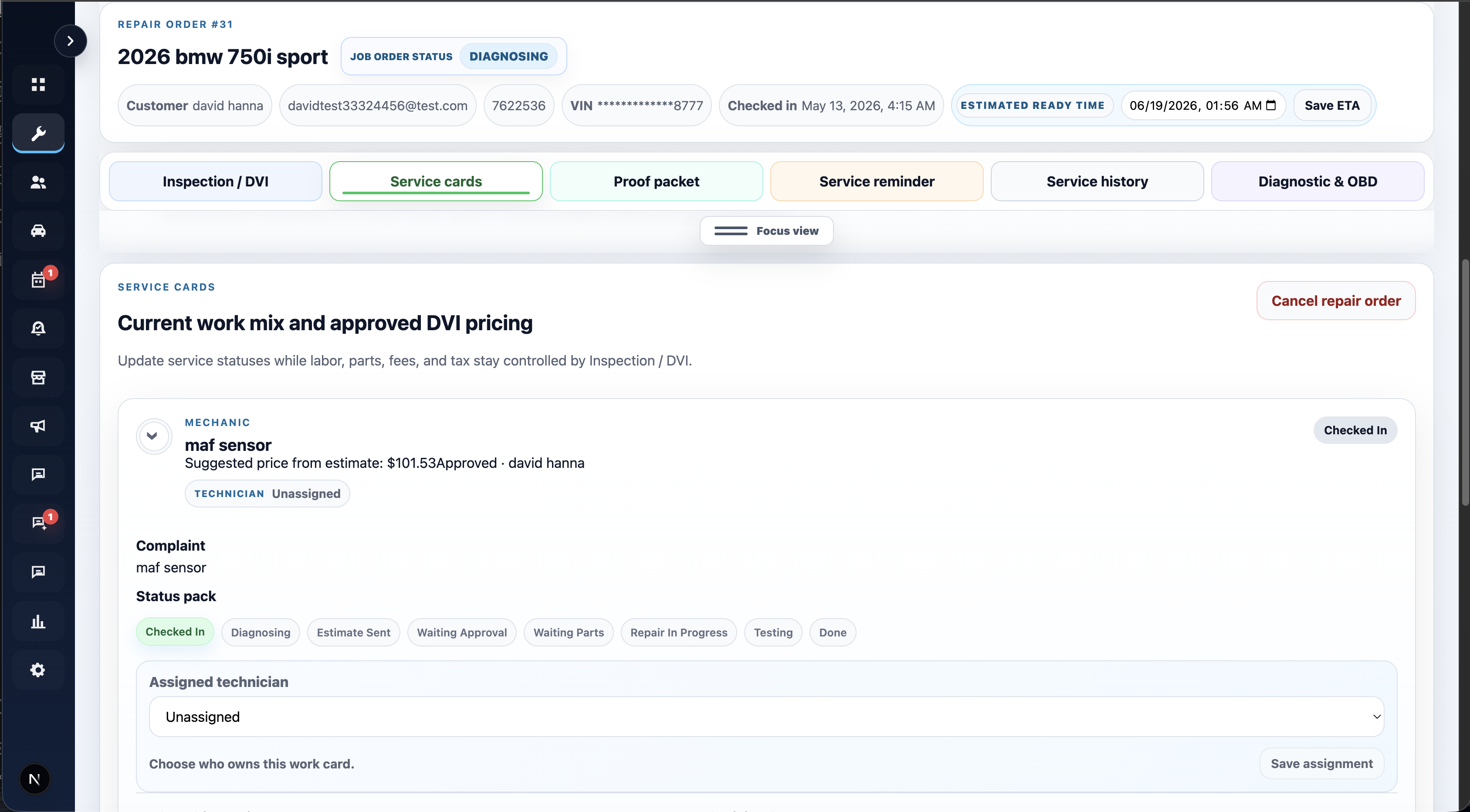
One workspace for DVI, service cards, status, ETA, diagnostics, proof, reminders, and technician assignment.
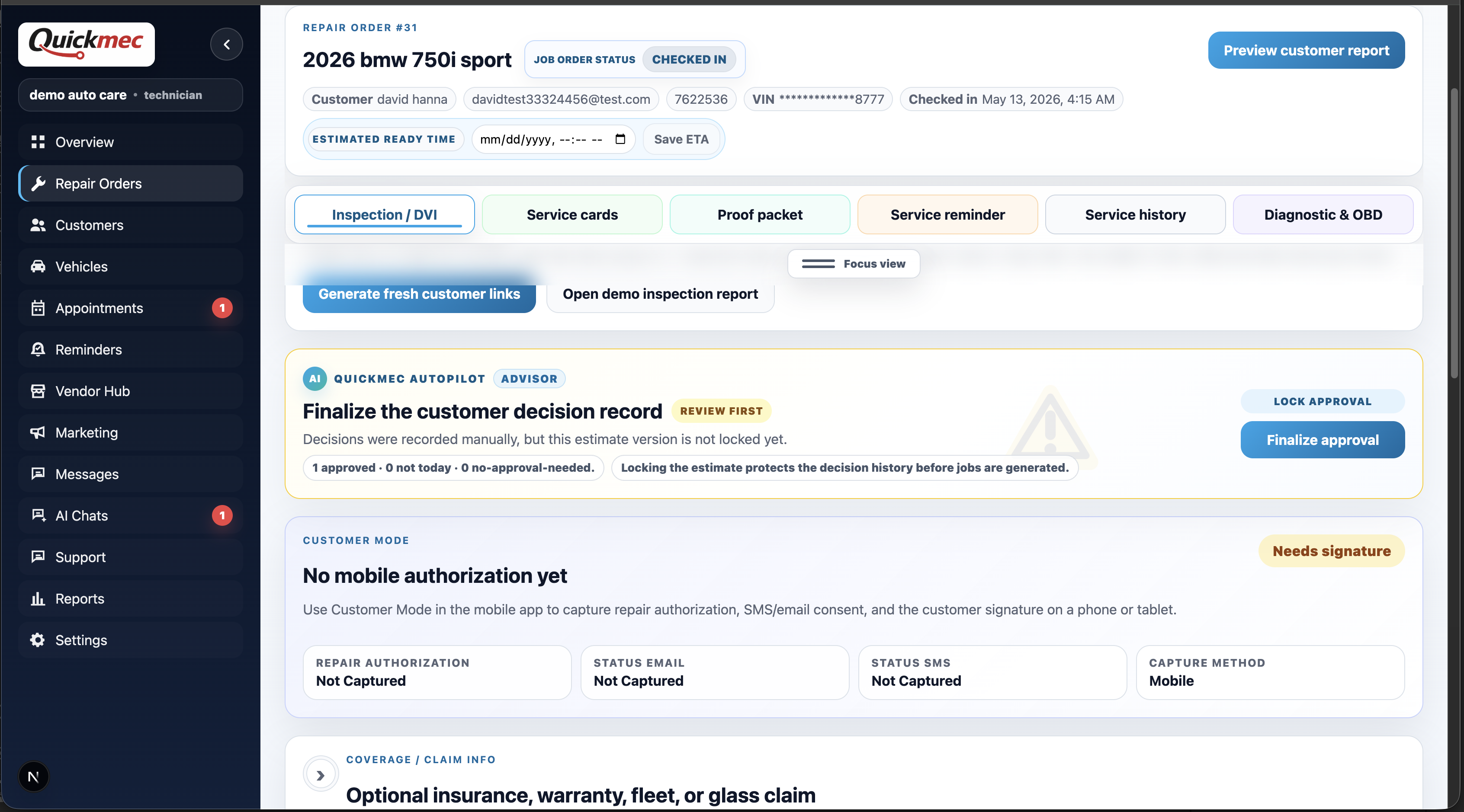
Capture authorization, consent, signatures, estimate decisions, invoices, receipts, claims, and handoff proof.
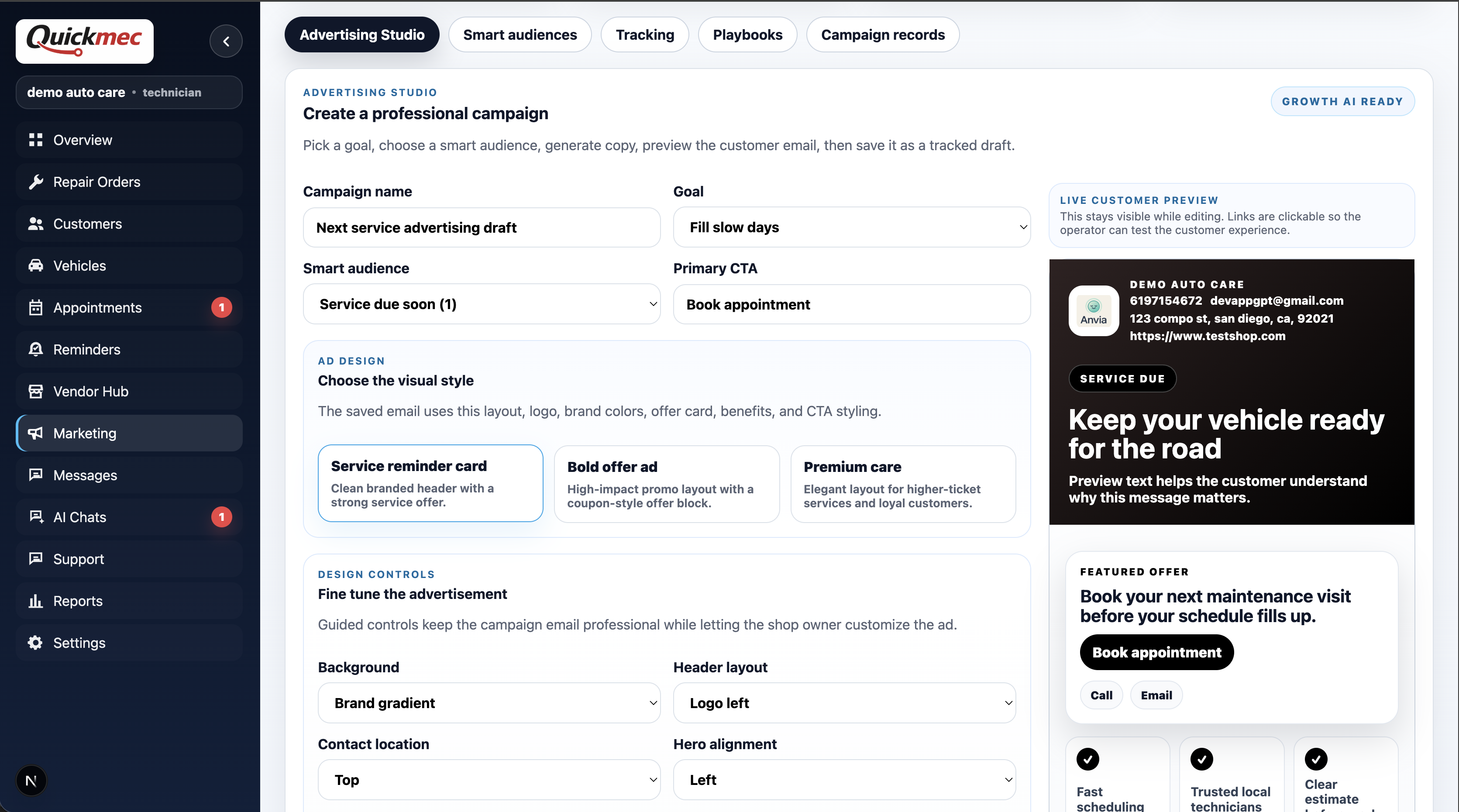
Draft campaigns, choose smart audiences, preview customer ads, and save tracked marketing sends.
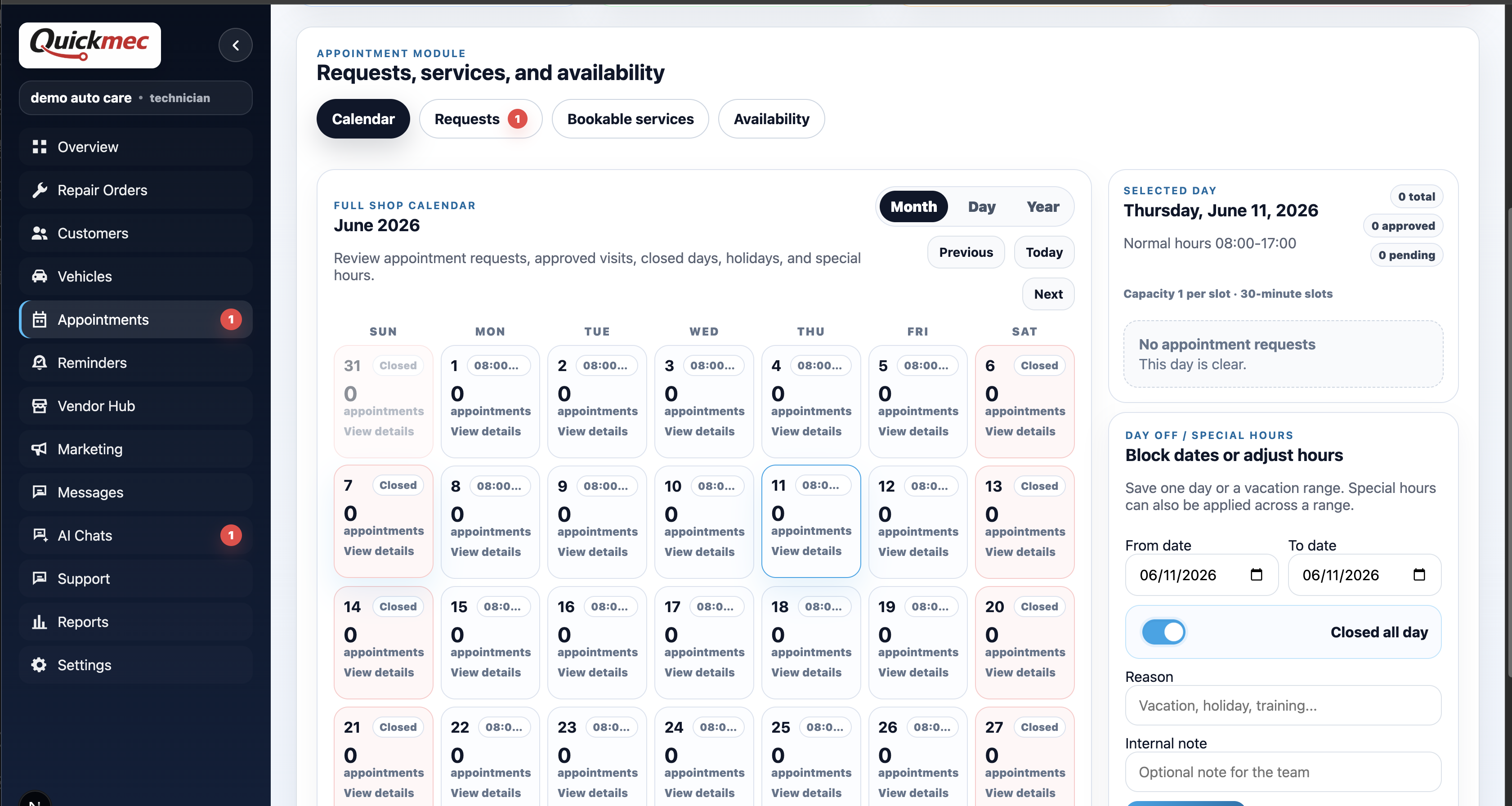
Manage requests, bookable services, capacity, closed days, special hours, and online booking.
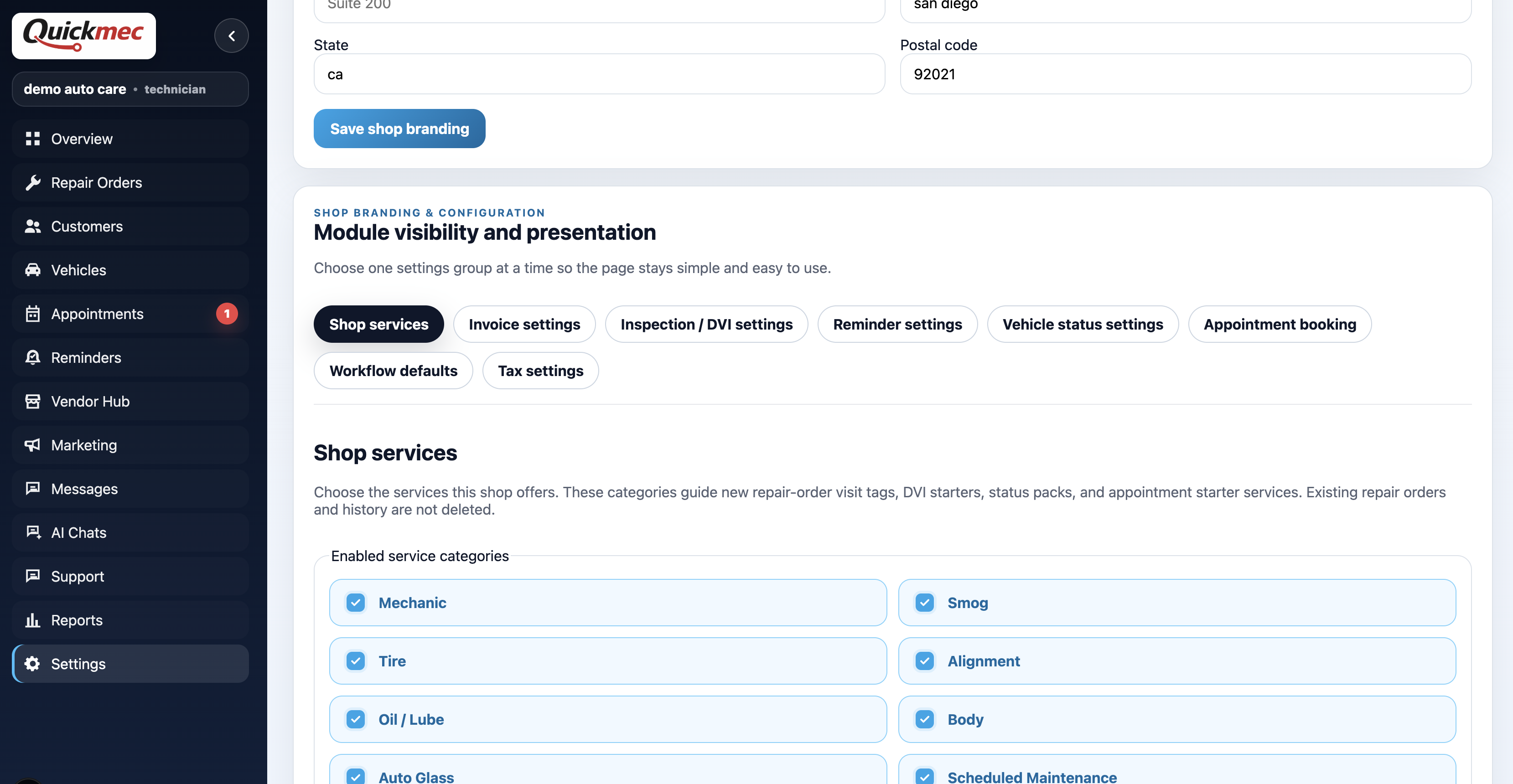
Customize services, invoice behavior, DVI modules, reminders, vehicle statuses, booking, workflow defaults, taxes, and branding.
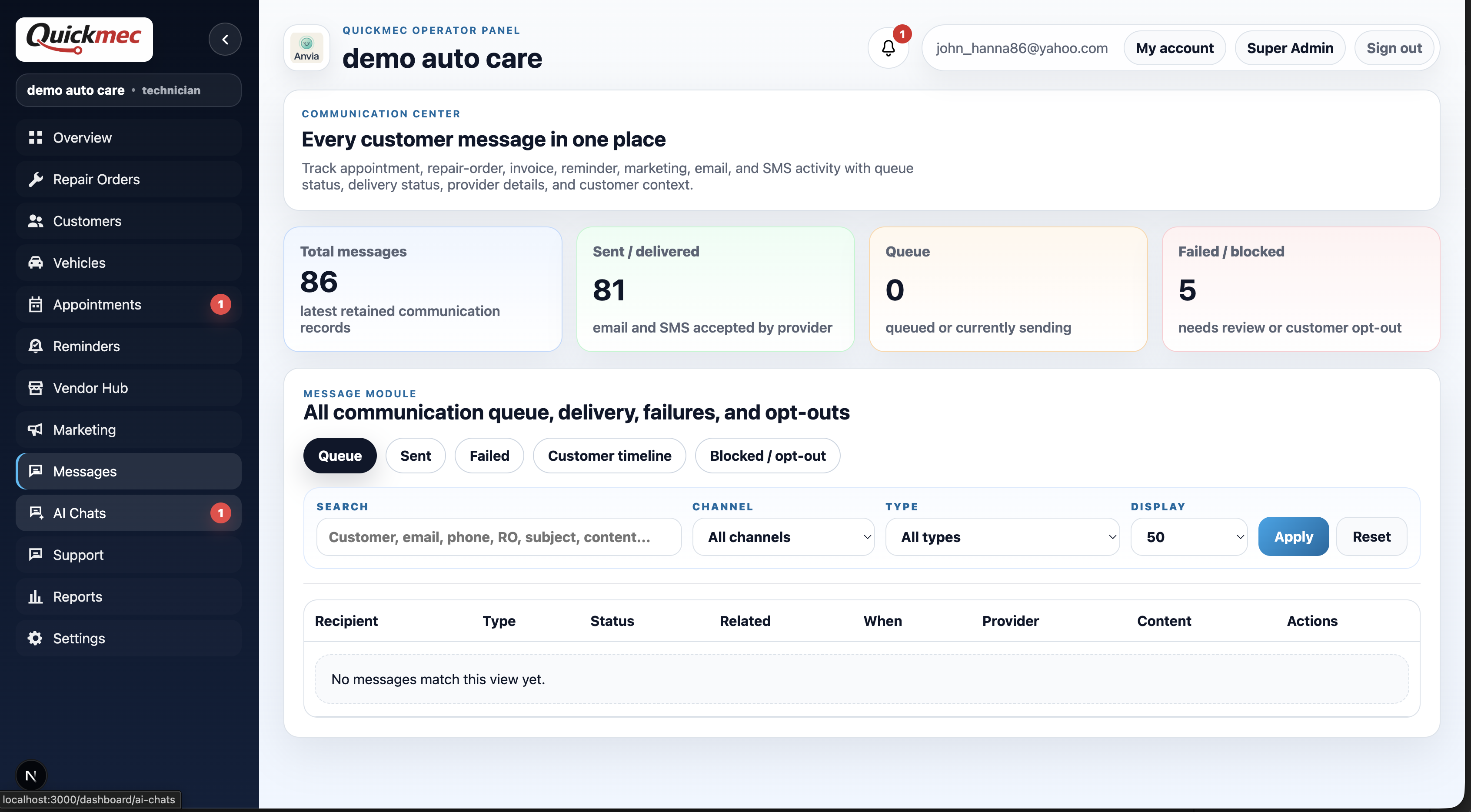
Track repair-order, appointment, invoice, reminder, marketing, email, and SMS activity in one log.
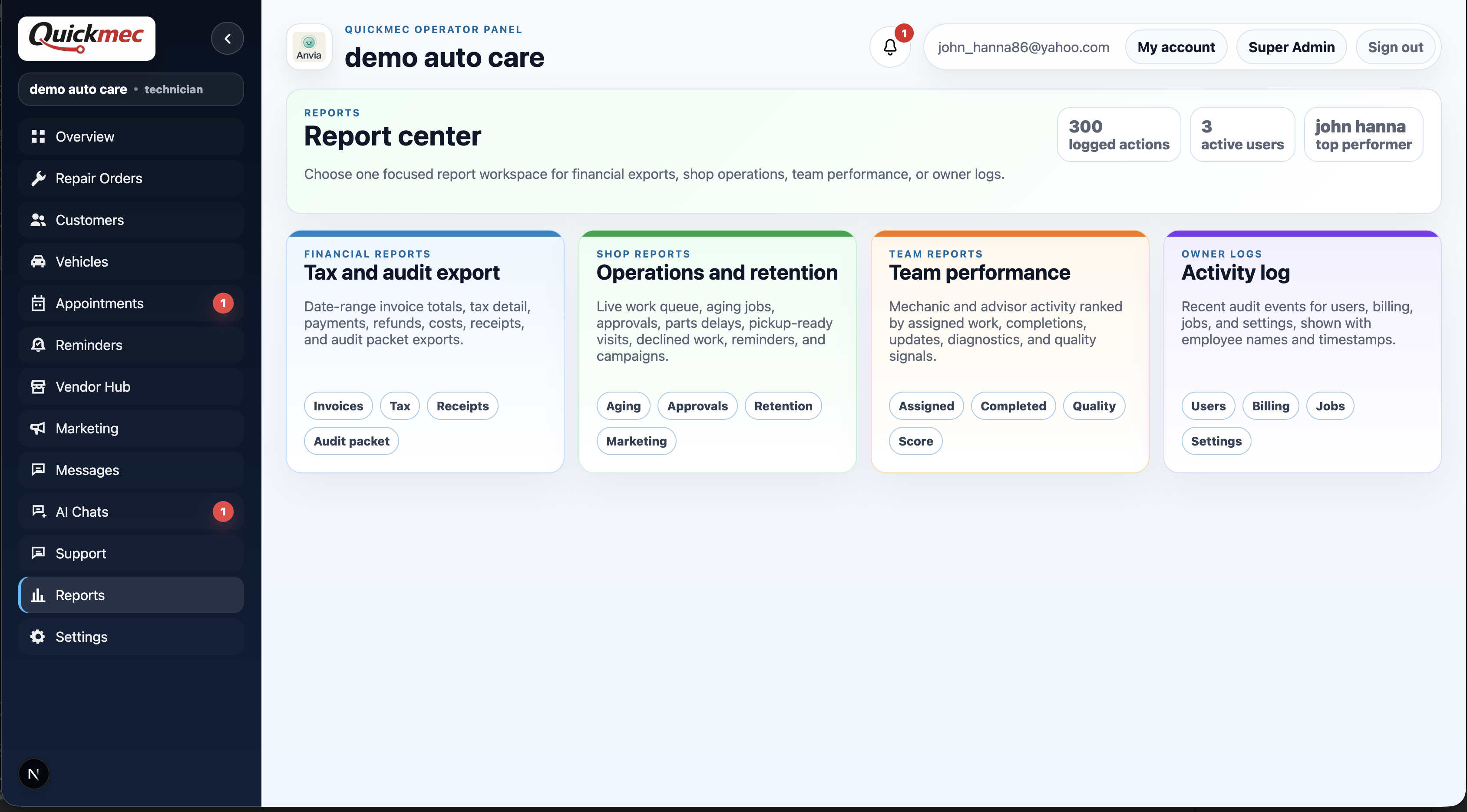
Open focused workspaces for financial exports, operations, team performance, and owner activity.
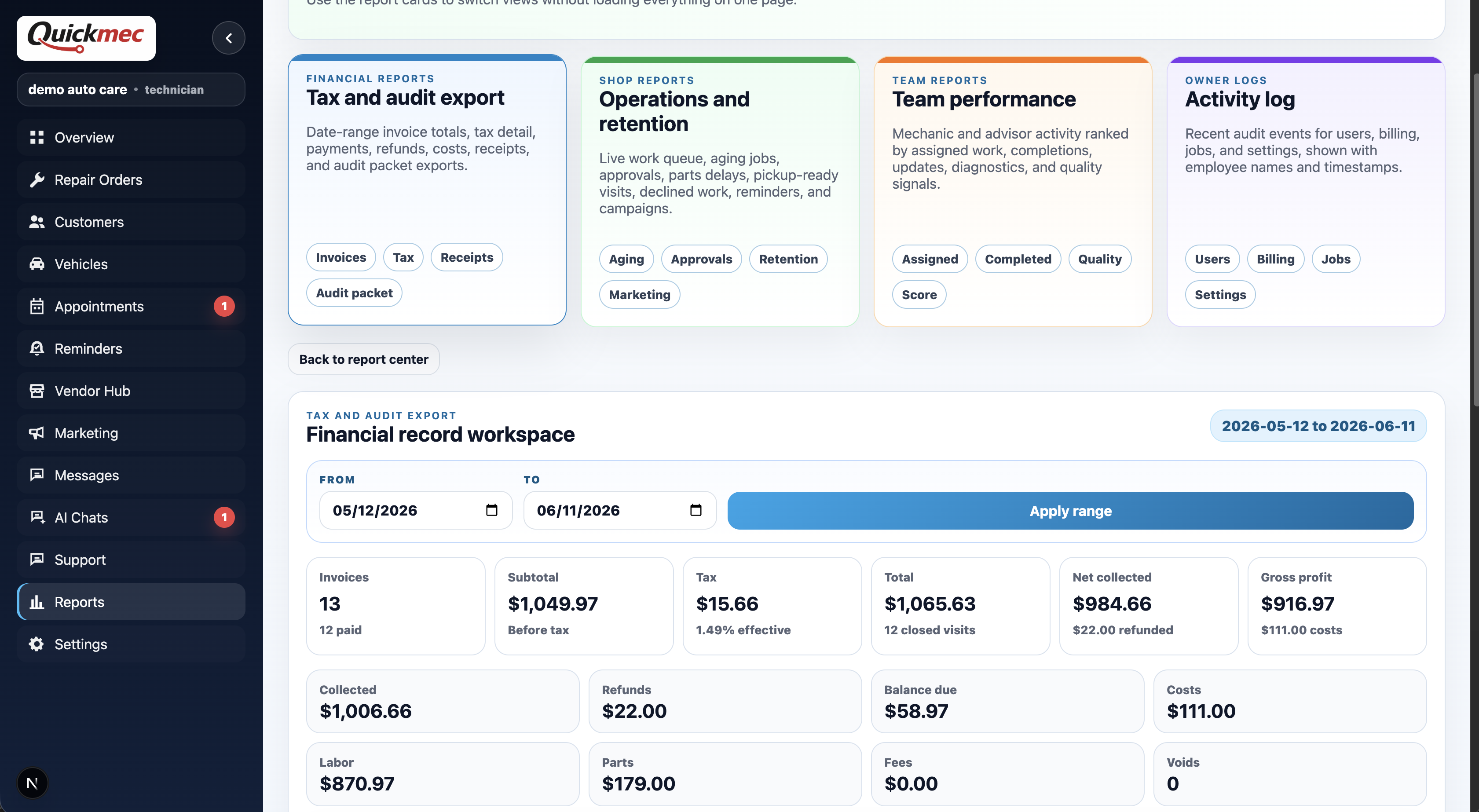
Export invoice totals, tax detail, outside payment records, refunds, costs, receipts, and audit packets.
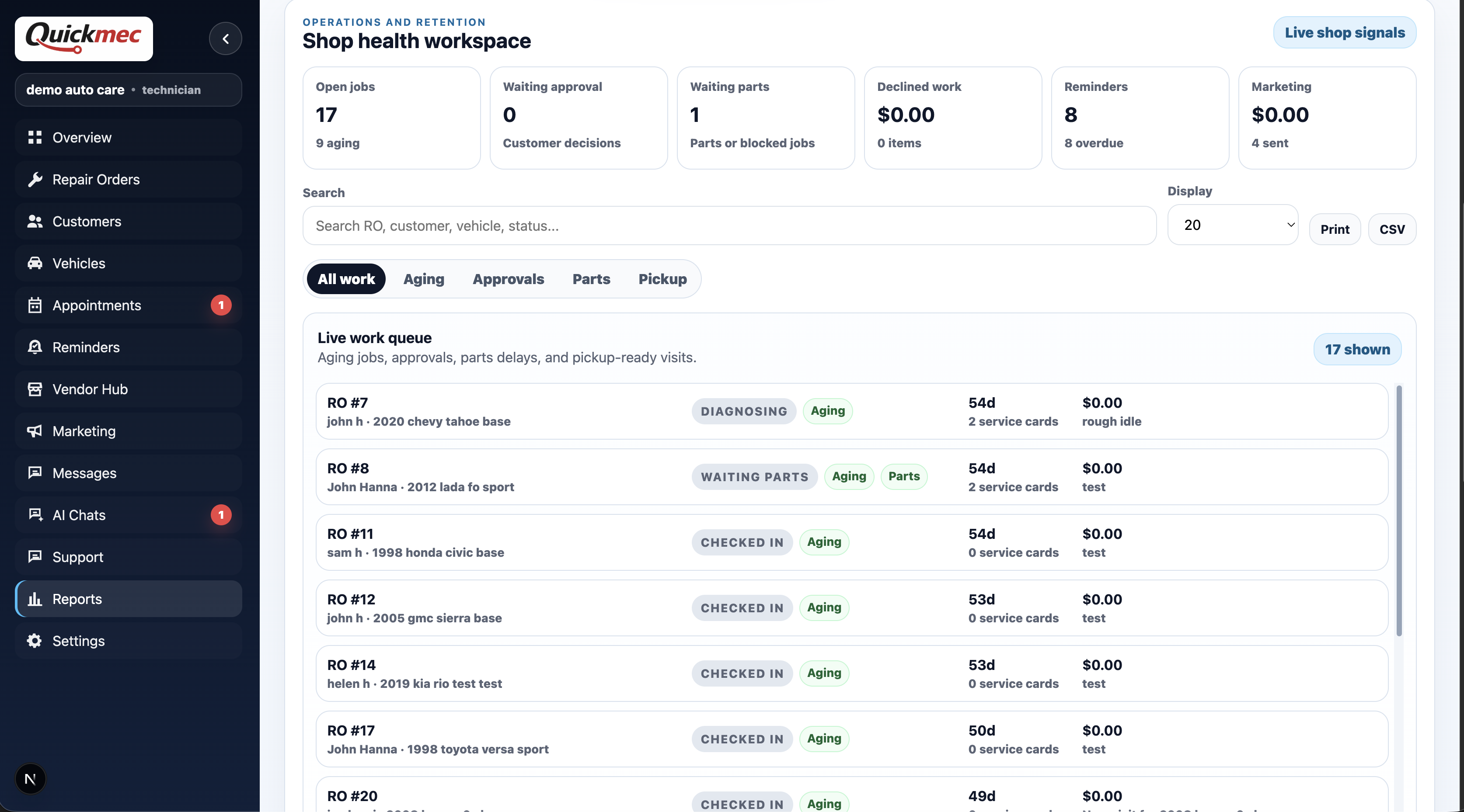
See open jobs, aging work, approvals, parts delays, pickup-ready visits, reminders, and shop signals.
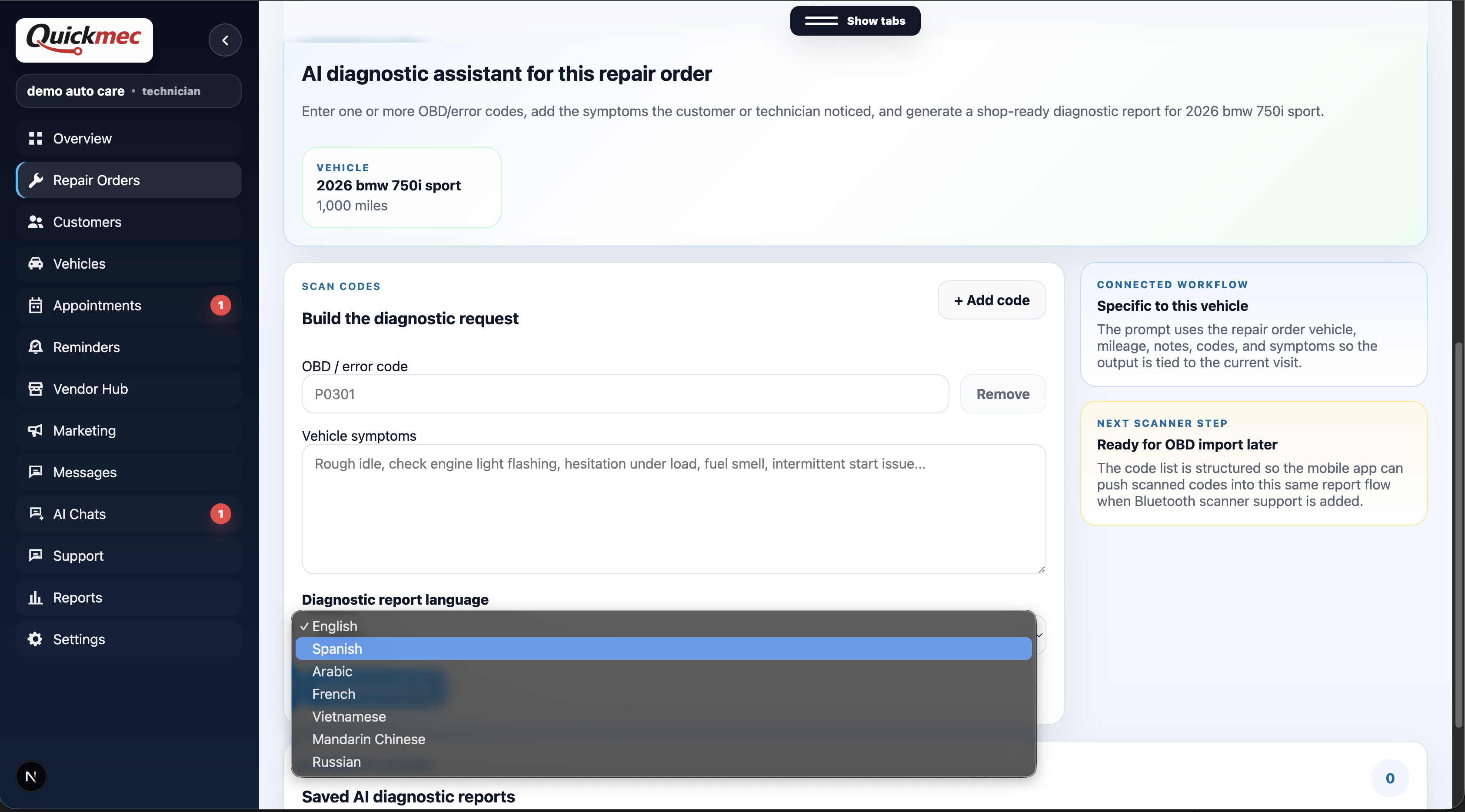
Combine OBD scans, manual codes, symptom notes, mileage, and service history into one AI diagnostic report.
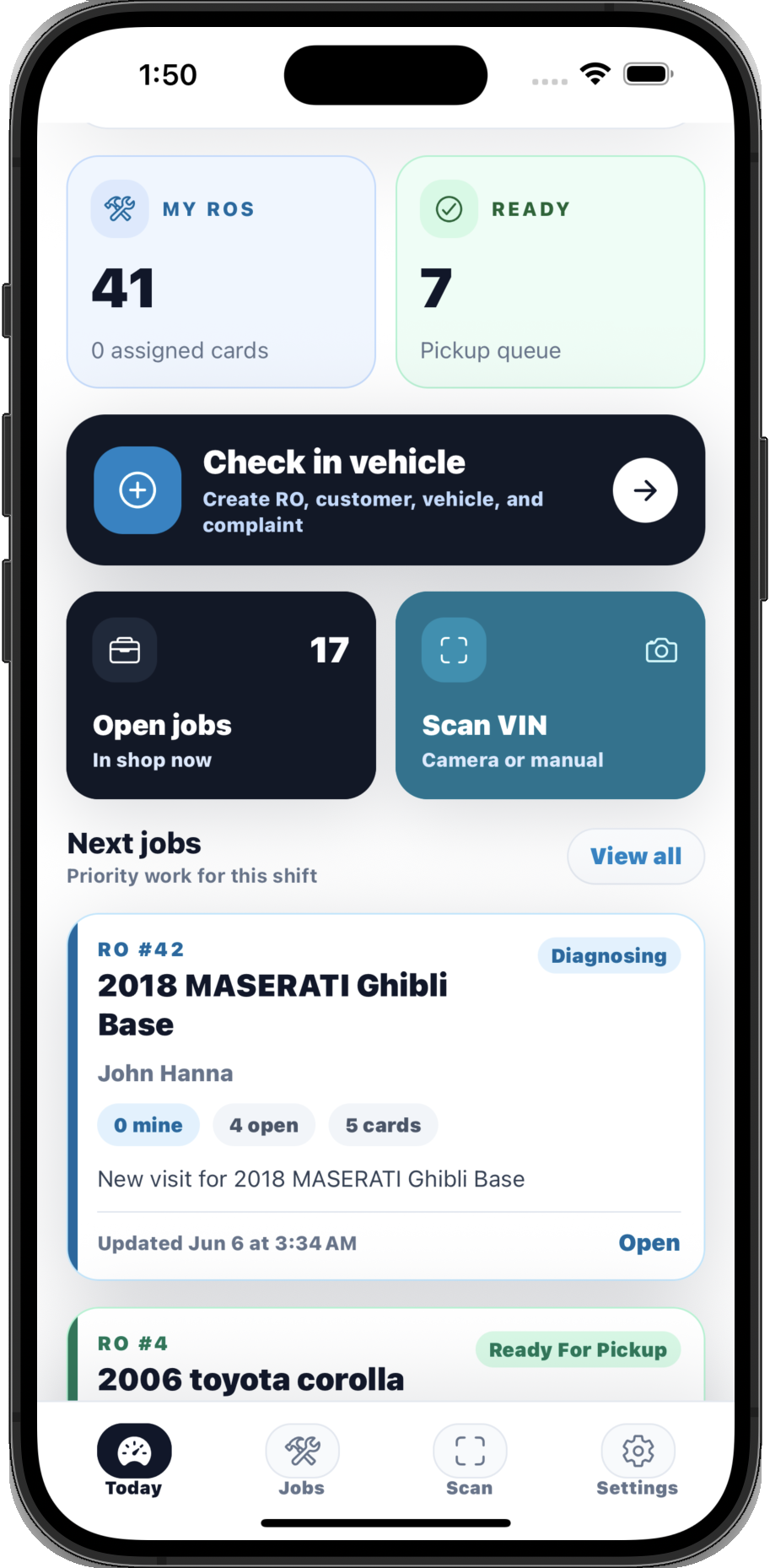
Technicians can check in vehicles, scan VINs, capture DVI notes, run OBD diagnostics, and keep assigned jobs moving from the shop floor.
Create ROs, scan VINs, add customers and vehicles, and keep open work visible from the shop floor.
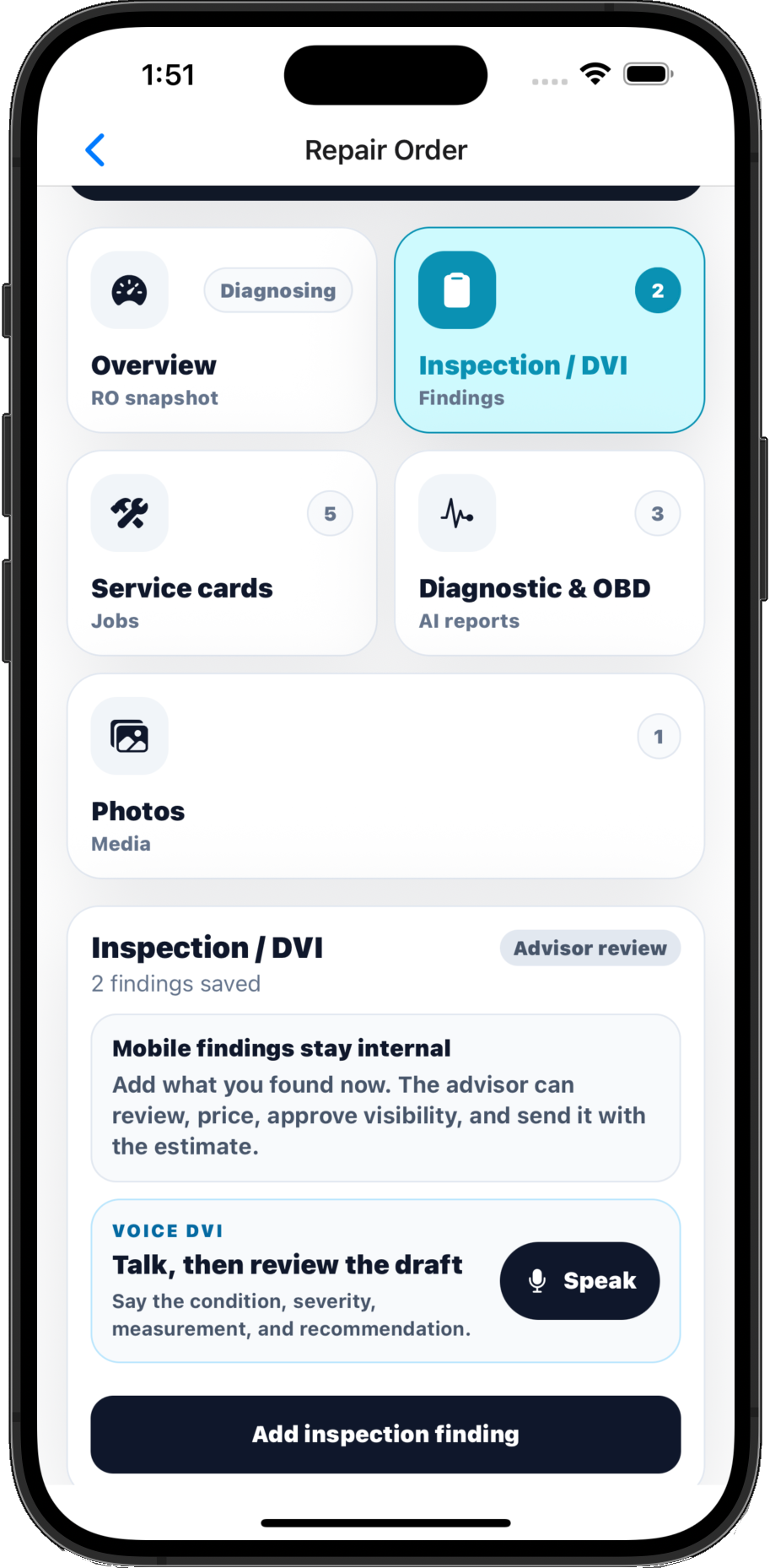
Add findings, photos, and voice notes from the bay, then send clean DVI items back for advisor review.
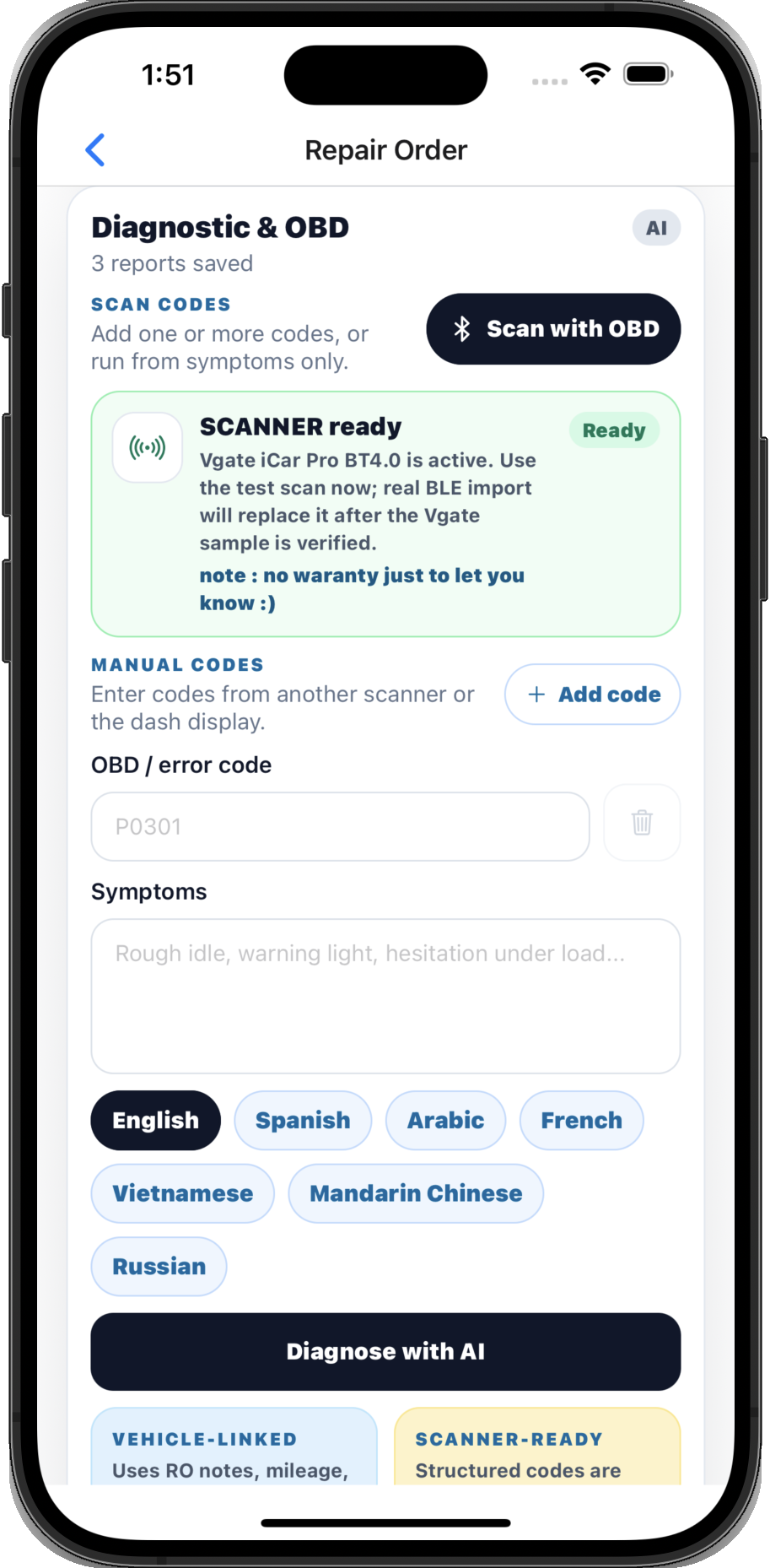
Scan with OBD or enter multiple codes manually, describe the issue, and generate one combined AI diagnostic result.
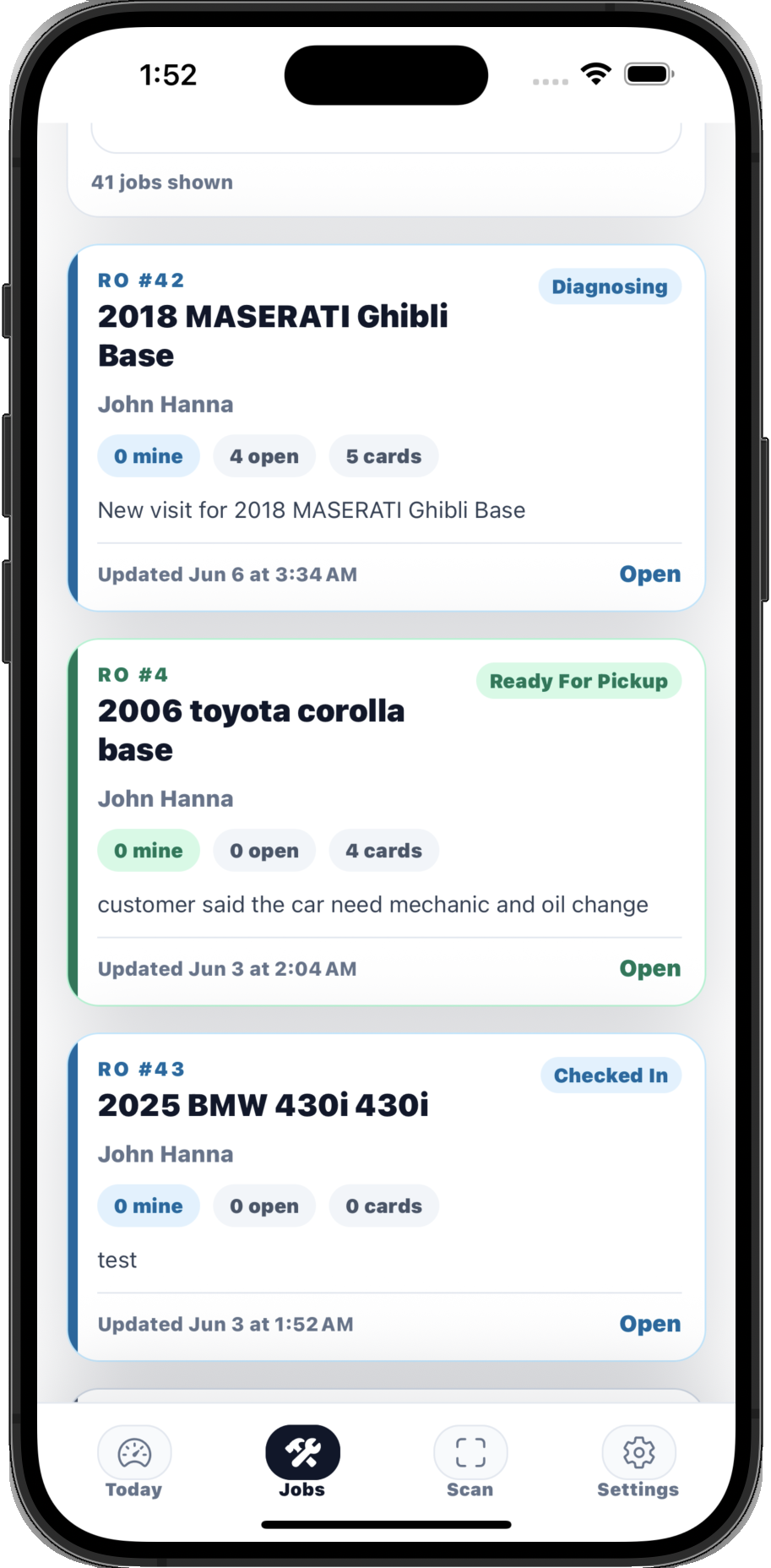
Show assigned repair orders, service card counts, status, mileage, and pickup-ready priorities.
Every step stays connected, so the front desk, technicians, customers, and owner are looking at the same visit.
Create the visit with customer, vehicle, mileage, symptoms, notes, source, and status in one place.
Build DVIs with technician notes, photos, pricing, revised estimates, and public customer approvals.
Use Diagnostic AI, OBD AI, multi-code analysis, manual trouble-code entry, multilingual reports, and scanner history.
Generate service cards, assign technicians, update job status, attach proof, and keep the team moving.
Create invoices, record outside payments, receipts, refunds, signed invoices, and proof packets.
Send reminders, manage appointments, follow service history, and build marketing audiences.
The AI features are positioned where repair, tire, glass, smog, and oil teams actually need help: diagnosis, technician notes, customer wording, marketing follow-up, and business visibility.
Keep the advisor in control while QuickMec drafts the language, organizes the context, and ties work back to the repair order.
Scan with OBD or add multiple trouble codes manually, describe the issue in plain language, choose a report language, and let QuickMec combine every code and symptom into one technician-ready diagnostic result tied to the customer, vehicle, mileage, and visit.
This is the complete public-facing feature story: core workflow in Basic, with AI features, AI OBD diagnostics, marketing help, and advanced reporting in Growth.
Owners, advisors, and technicians each get the workflow they need without splitting the repair order into disconnected tools.
See the live shop picture: open work, approvals, delays, invoices, subscriptions, reports, and team access.
Control the business without chasing every bay.Move a visit from intake to approval to closeout with clear customer links, AI wording, and proof in one place.
Less tab switching. Cleaner customer updates.Work from a focused mobile queue with assigned jobs, DVI findings, photos, voice notes, and OBD diagnostics.
The shop floor gets the same source of truth.QuickMec can support shops during launch without pretending every operation works the same way.
The page shows actual QuickMec workflows: repair orders, approvals, marketing AI, settings, reports, mobile DVI, and AI OBD.
QuickMec can help shops configure services, statuses, reminders, branding, booking rules, AI workflows, and scanner rollout.
Owners get team access, subscription status, reporting exports, proof records, tax detail, and activity visibility without losing shop flexibility.
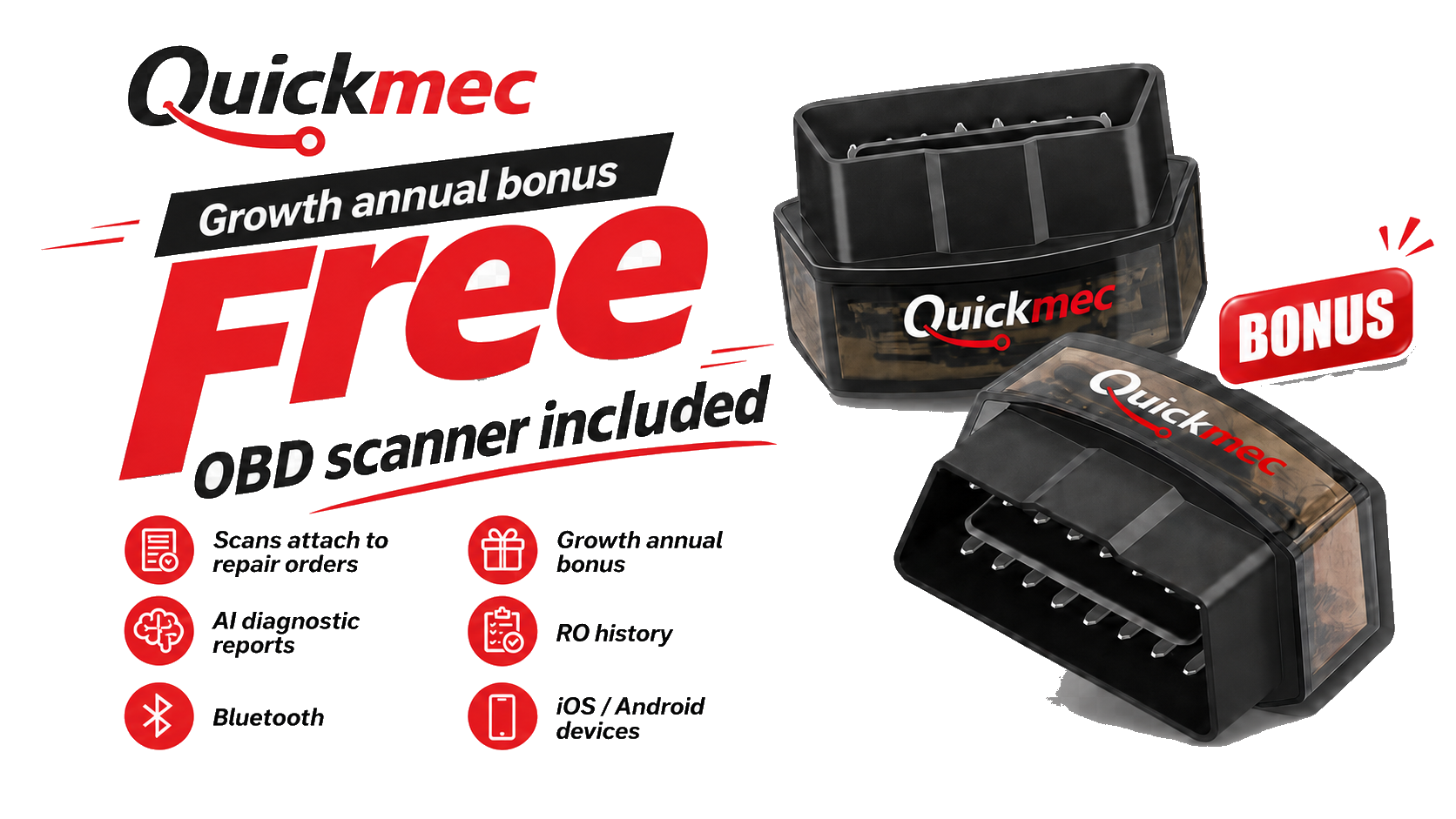
Basic runs the auto service workflow. Growth adds AI features, AI OBD diagnostics, scanner support, and business intelligence that make QuickMec different.
For auto service teams that want a complete operating system without AI add-ons.
For auto service teams that want AI diagnostics, OBD scanning, marketing AI, and stronger visibility.
QuickMec keeps subscription billing, customer payment records, AI workflows, and scanner support easy to understand.
No. QuickMec can email a provider-hosted payment page created by the shop, but the provider handles the transaction and pays the shop directly. The shop verifies the result and records it in QuickMec.
QuickMec is built for mechanic, tire, auto glass, smog, oil and lube, body, tint, wrap, fleet, and general auto service teams. Settings let each shop control the workflow.
No. AI helps with diagnostics, DVI notes, customer updates, repair wording, marketing campaigns, public status chat, and reports. AI OBD is one connected diagnostic workflow.
Yes. QuickMec supports invoice closeout and outside payment records while shops continue using their own customer payment method.
Send the request here and QuickMec can follow up about onboarding, subscription billing, scanner rollout, AI features, AI OBD scanner workflows, or customer messaging.